Open source visualizer and show CAD

ToskLight Architect

ToskLight Architect icon

ToskLight Architect gives the production a shared plan: draw the venue, place the rig, export the plans as PDFs, and see the final picture before the first fixture is flown.

Visualization

Simulate your venue and rig.

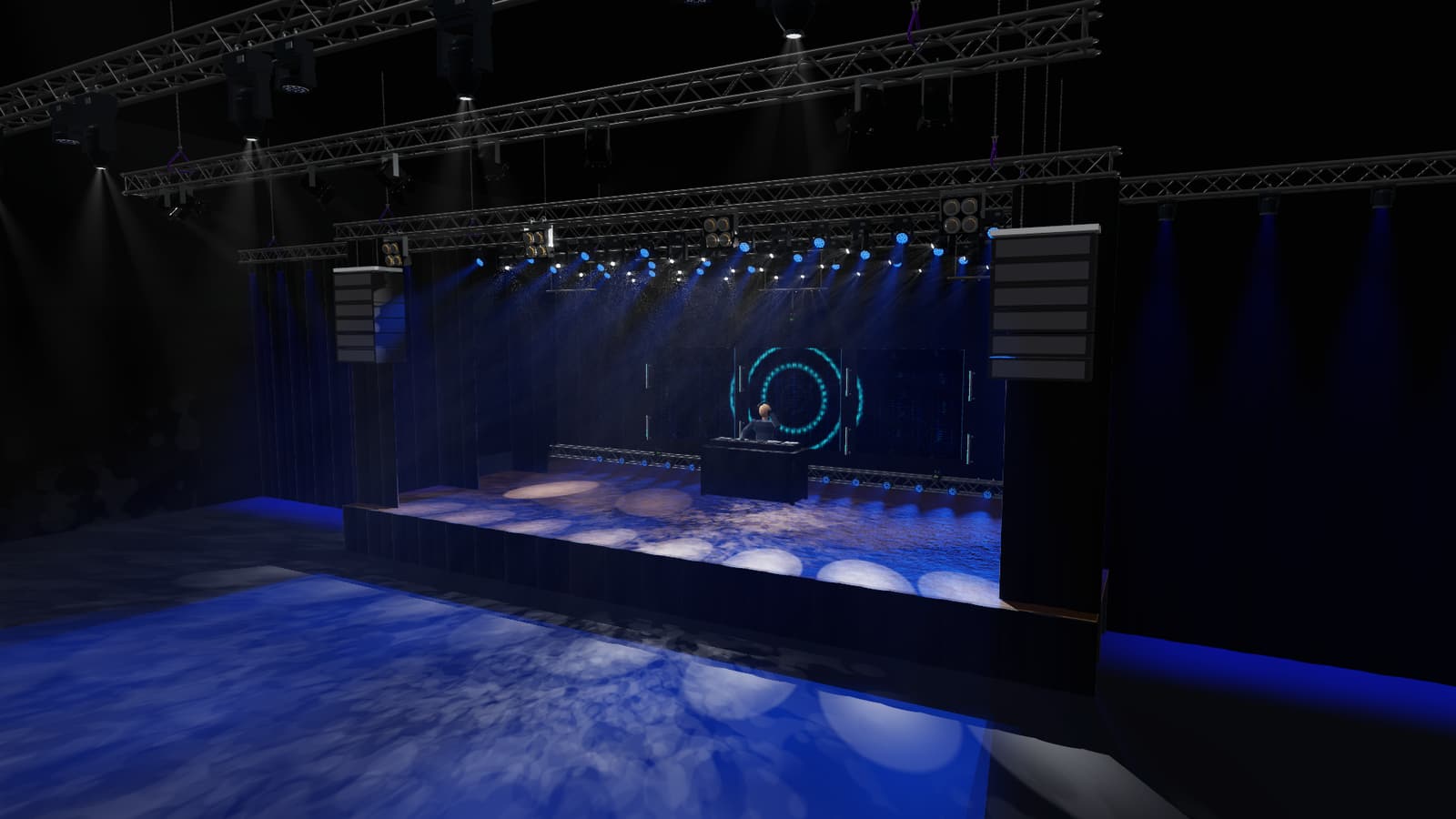
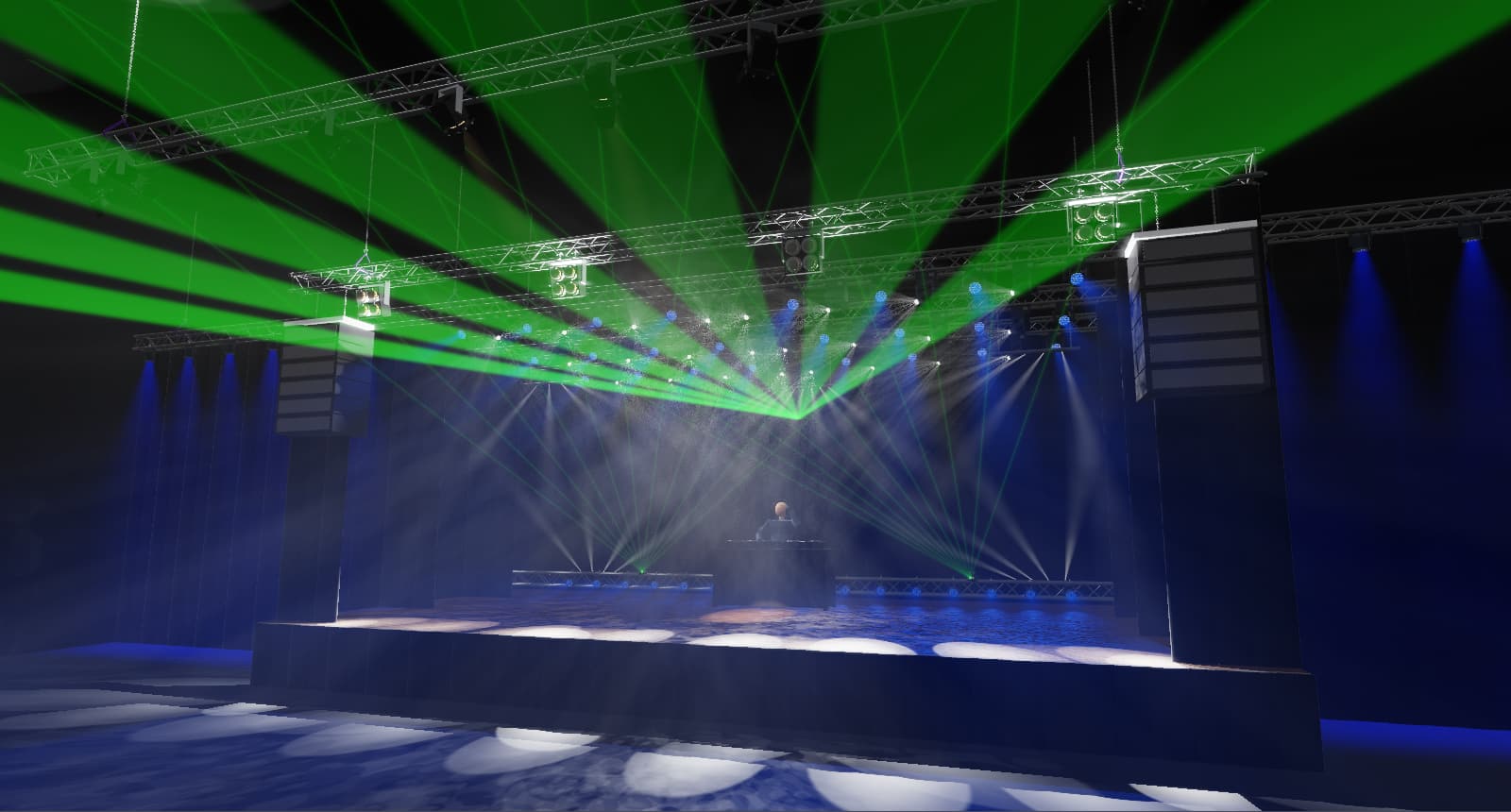
See the actual fixture models, beams, gobos, haze, and venue geometry together before the rig is flown. Choose the camera angle and rendering quality that help you judge the look.

Architect runs the full lighting visualization separately from Control’s lightweight Stage, so you can close the renderer while programming and reopen it when you need the complete picture.
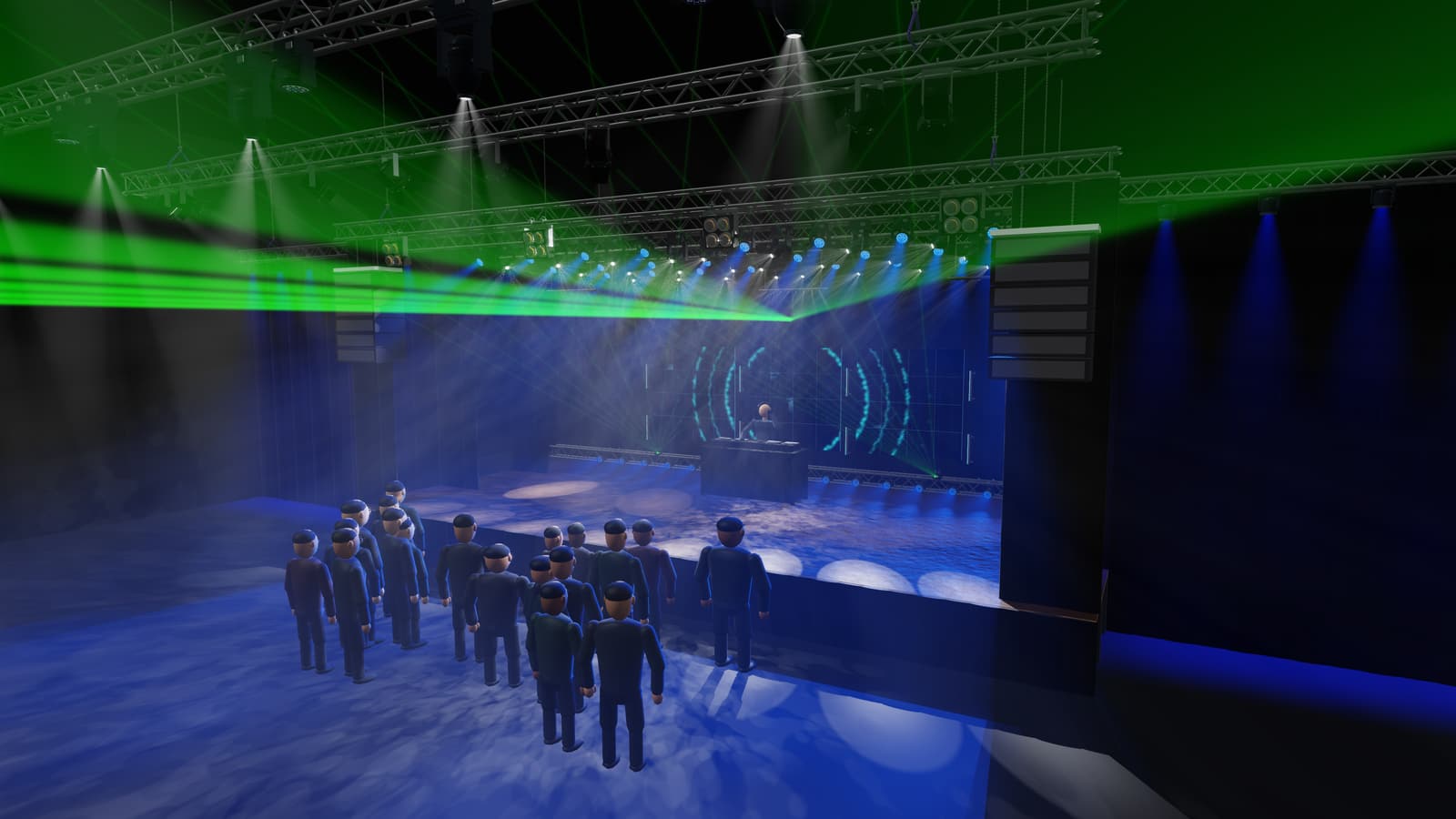
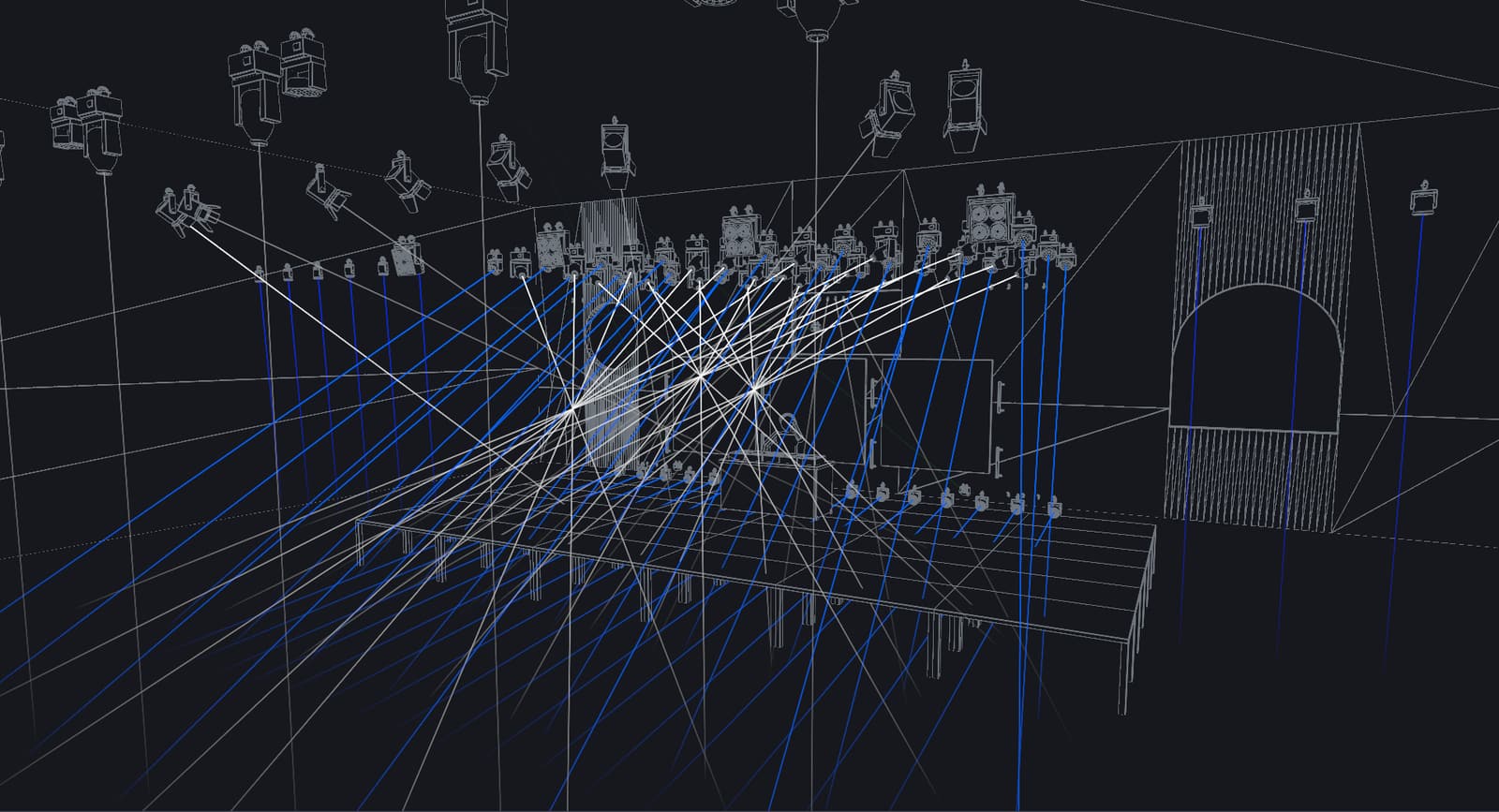
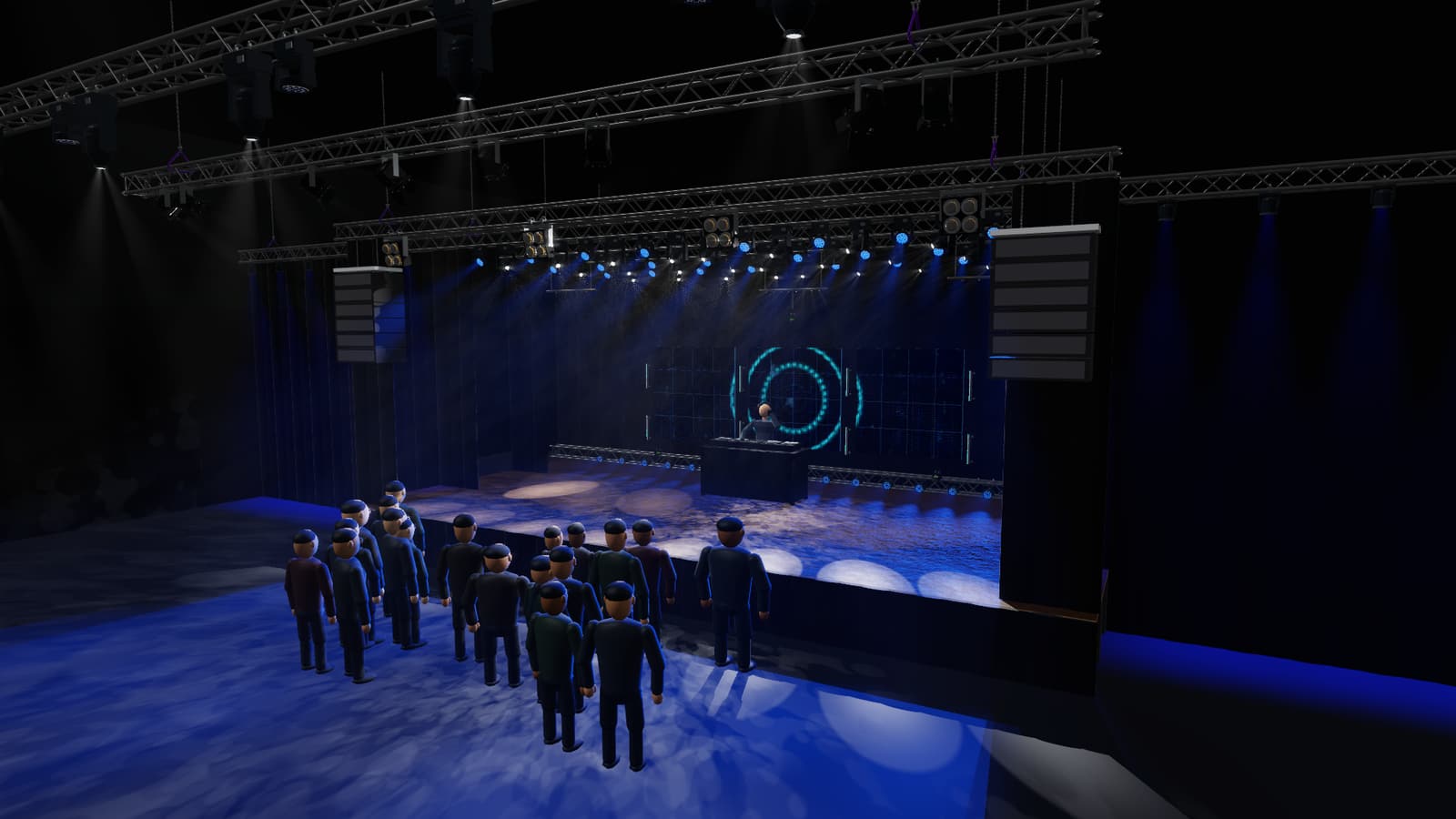
Ultra · 4K customer export
Ultra · 4K customer export A full-venue 3840 × 2160 image rendered by ToskLight at its highest native quality, with visible laser fans, atmospheric haze, mapped video and detailed people. Export from Architect without changing the live preview quality.

Interchange

Bring the rig in. Take the rig out.

Import and export MVR so a production can move its rig between planning tools without rebuilding it by hand. Architect also supports GDTF fixture files, including their modes and physical information.

GDTF fixtures are mapped to the default 3D models shipped with Architect, or they can carry their own images and 3D models when the fixture package provides them.

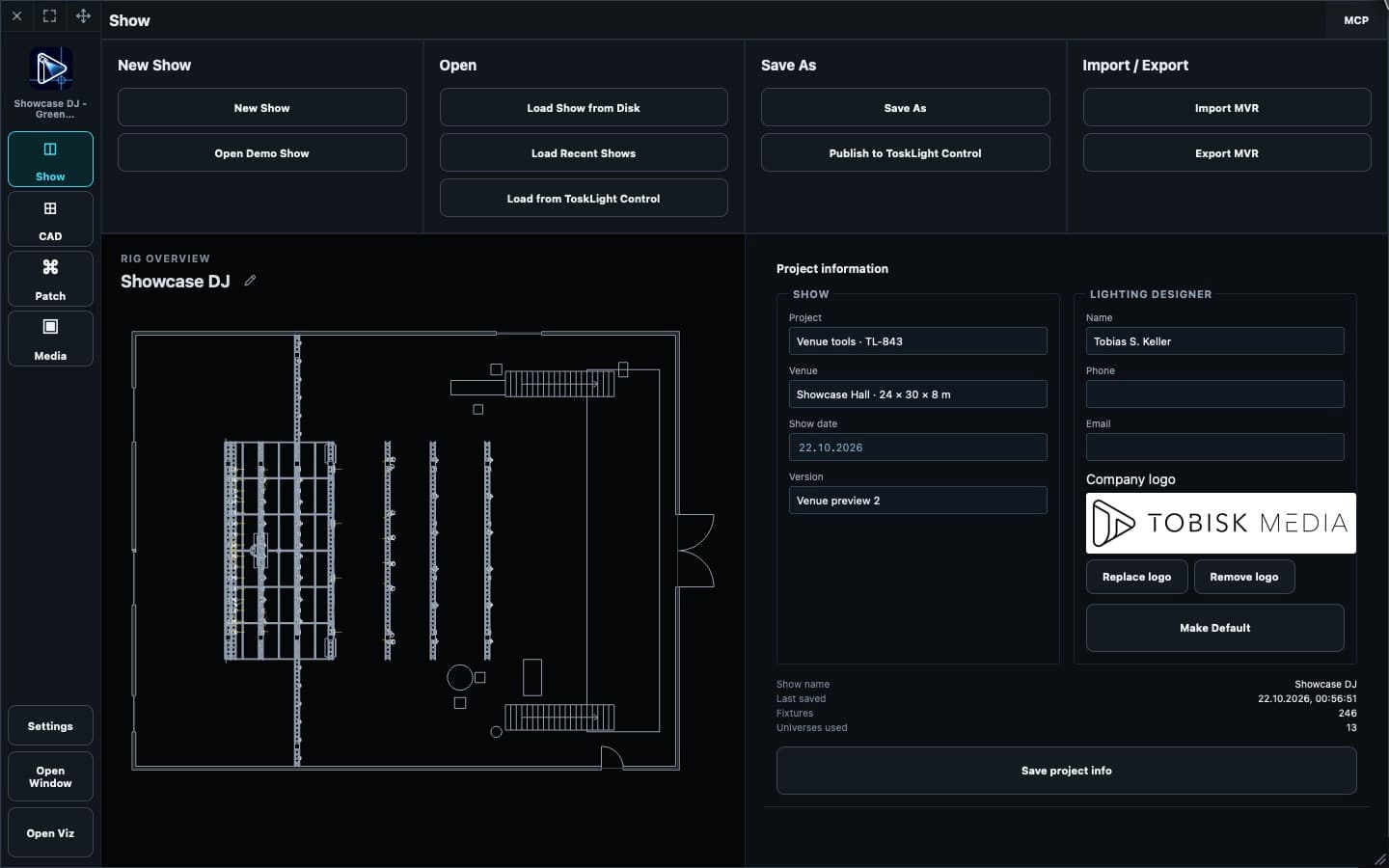
Import and export the rig
Import and export the rig Architect’s actual Show page provides the production’s import and export controls.

CAD

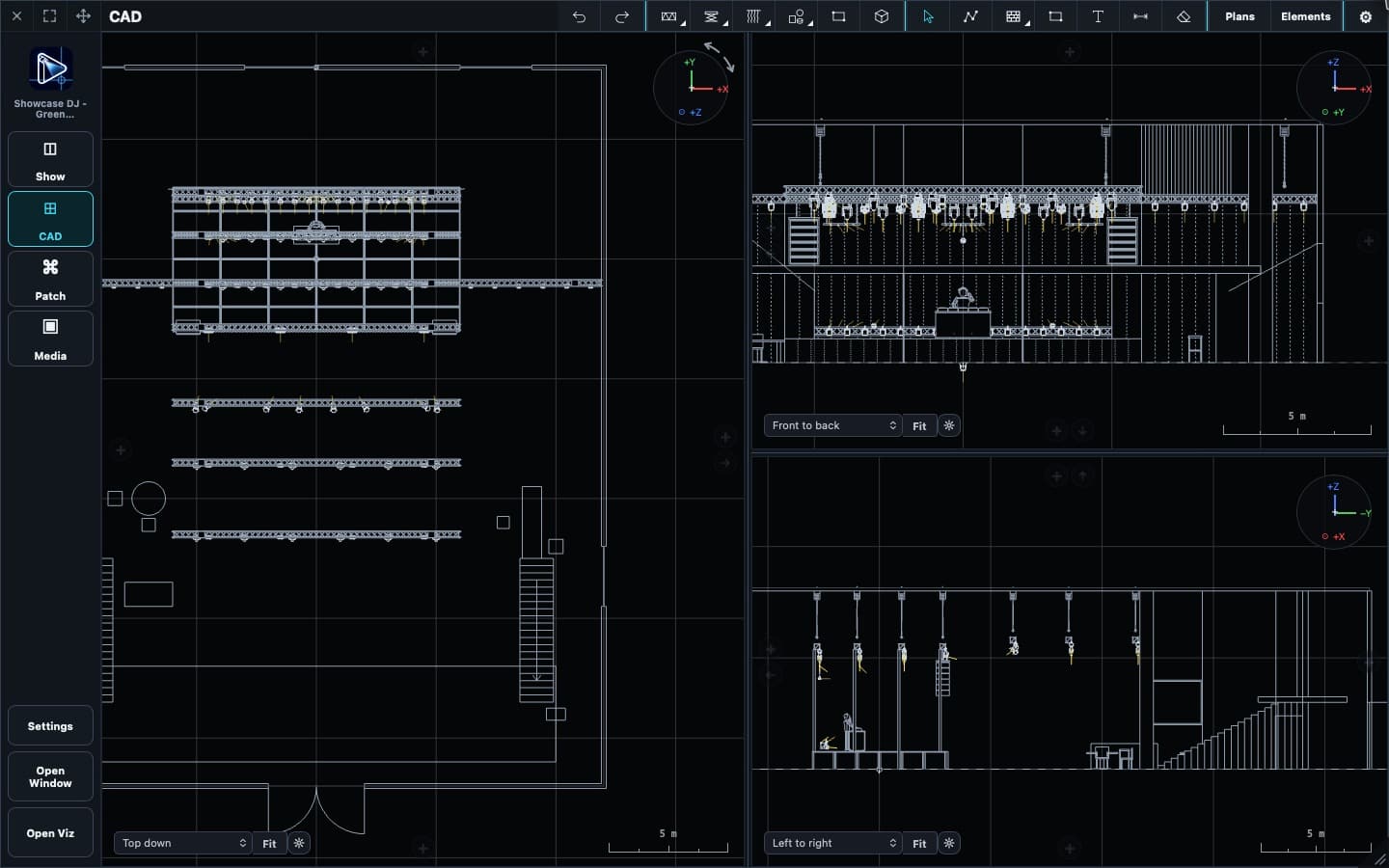
Build the rig. Export the PDF plan.

Build the venue and rig in CAD, inspect them from the angle the job needs, and export clear PDF plans for the production.

Export whole plans or cutaway sections, so each crew member can take the PDF that covers their part of the venue.

Draw the physical show
Draw the physical show Build the venue and rig as a measured plan, place and focus fixtures, organize layers, and carry the same show into visualization and control.

Patch

Keep the rig ready to connect.

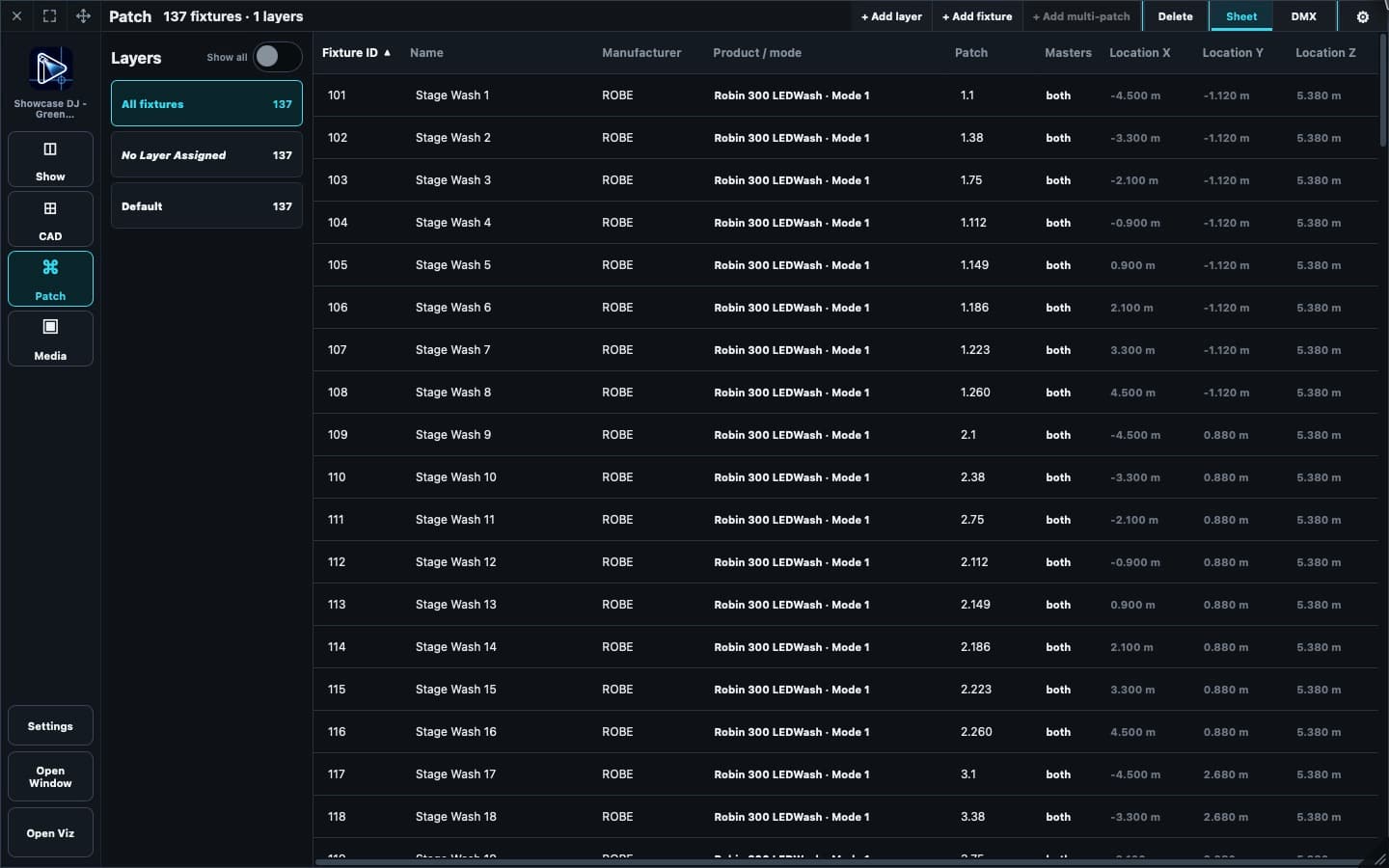
Inspect fixture types, modes, universes, and addresses in the Patch sheet alongside the same rig you draw in CAD.

Check and adjust the patch before the show moves to Control, so the physical plan and the lighting desk start from the same fixture data.

The rig, ready to patch
The rig, ready to patch Inspect the actual rig’s fixtures, modes, universes, and DMX addresses in Architect’s Patch sheet.

Moving scenes

Make the scene move with the fixture.

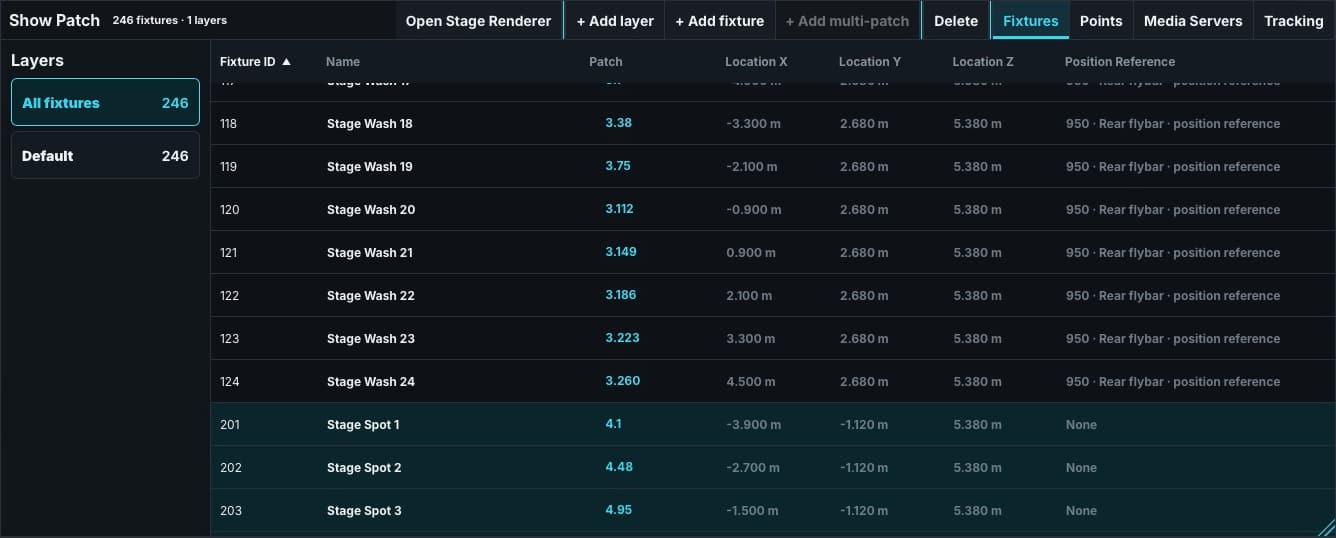
Store fixture and scene positions relative to a shared 3D point. When that point is controlled through PSN or DMX, its connected elements follow the movement while retaining their relative placement.

Position references travel in the same portable Show between Control and Architect. The Control Patch sheet shown here exposes those references for the rig that Architect visualizes.

Shared position references
Shared position references ToskLight Control’s Patch sheet for the same portable Show: stage washes share 3D point 950 as their position reference.

Lasers

Simulate the path, not just the beam.

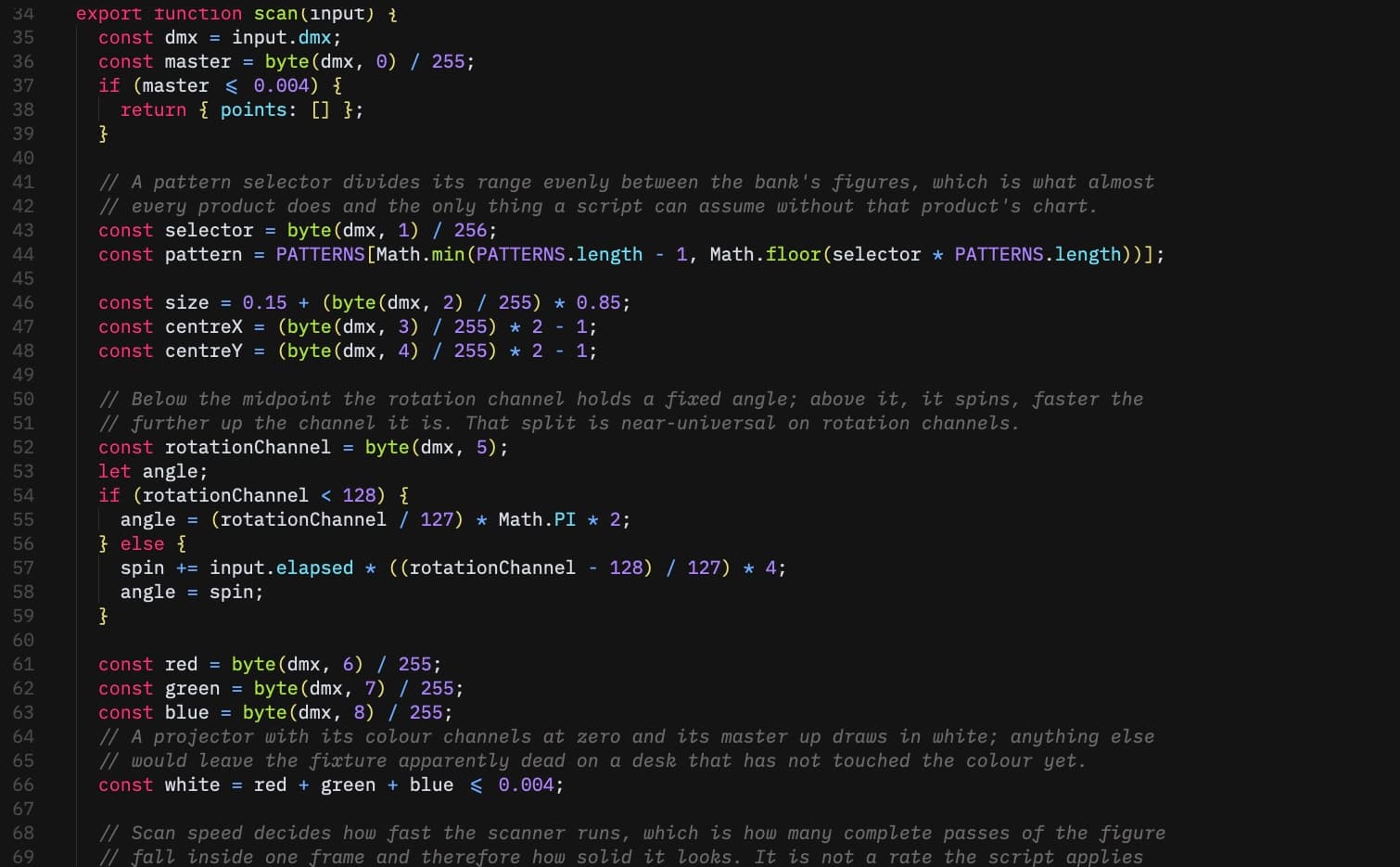
Architect can simulate lasers from a scan path produced by a JavaScript function supplied by the user. The function receives DMX input and returns the path that the renderer draws.

That gives the designer control over the laser's shape, brightness, scan speed, and position, and leaves room to build a laser effect that matches the specific production.

Early prototypes

See the right trigger, with more to come.

Architect includes early prototypes for physical elements such as falling curtains and pyro elements such as flame jets and sparklers. They are intentionally rudimentary today.

They are useful for confirming that the intended DMX channel was triggered, not yet for final visual realism. These elements may become more detailed as the application grows.

Media integration

Bring live video into the venue.

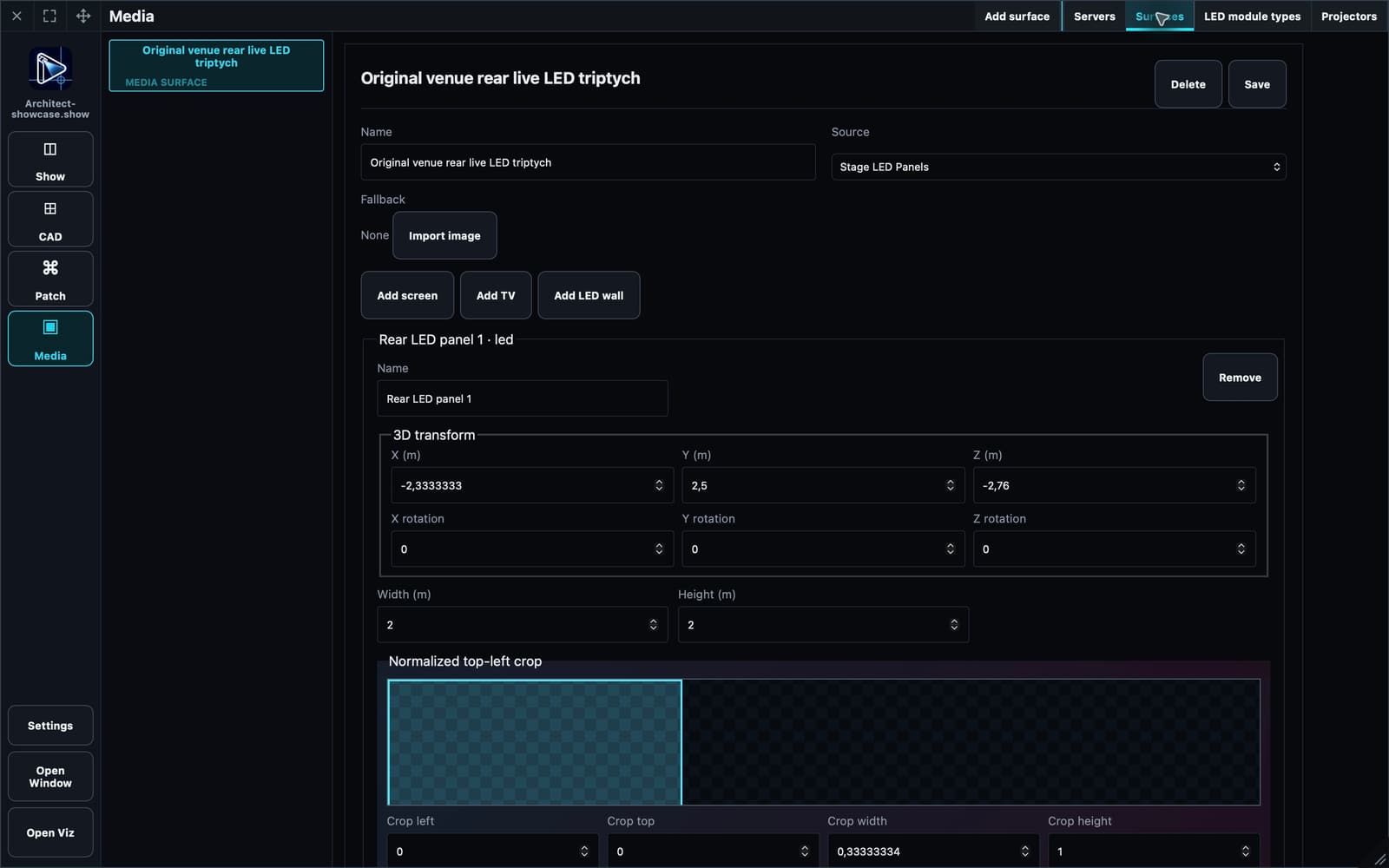
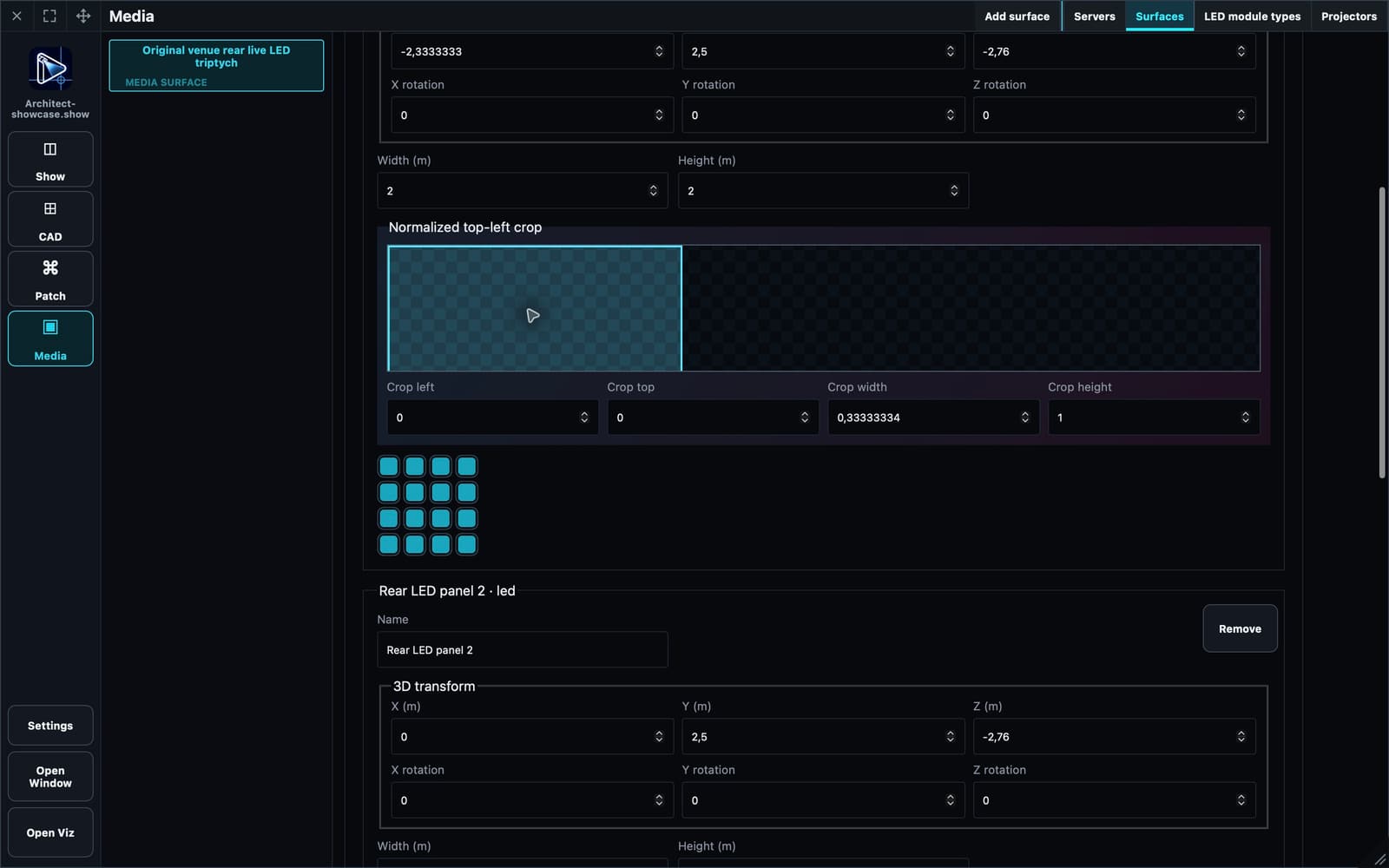
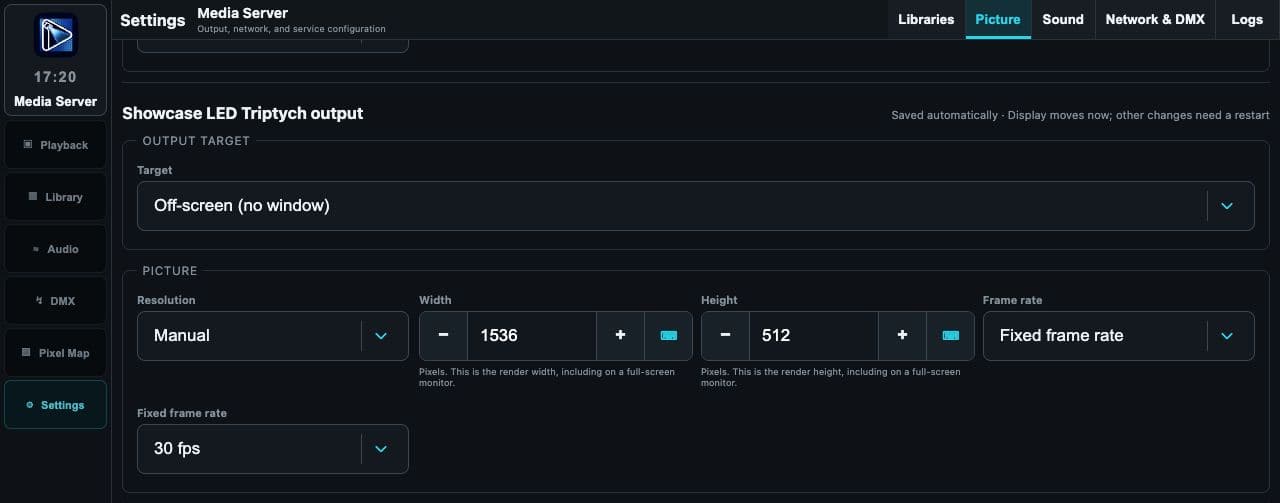
Pixel's LED Triptych output at 1536 × 512 supplies advertised source 514 to three contiguous mapped LED panels in Architect.

Configure the source, physical LED panels and normalized crops in Architect. Each panel displays its mapped third of the live video alongside the lighting rig; Pixel supplies the output shown in the final configuration screenshot.

What is coming

Still moving forward.

Media server integration

Being tested

Paperwork rendering

Mostly complete, with further improvements in progress.

Crowd simulation

Being improved.